Skip to product information
1 of 1

REFRACTION

REFRACTION

Regular price €43,95
Regular price Sale price €43,95
Sale Sold out
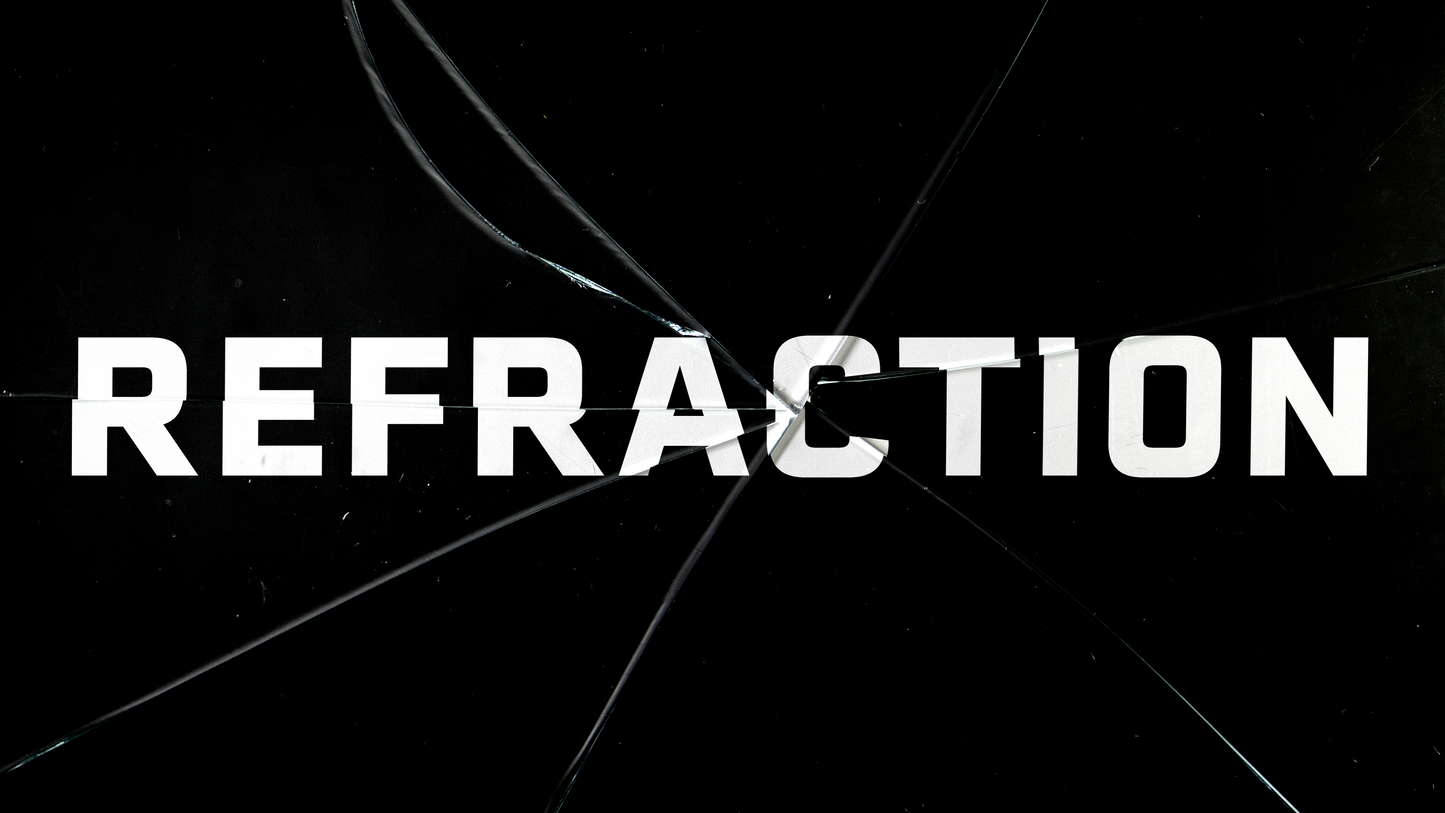
Shattered glass VFX system. Easily create unique visuals for videos, motion graphics, and more.
View full details

Features

– User-friendly VFX system to create grungy cracked glass effects
– 18 high-quality glass textures
– 18 corresponding displacement maps

Check Out The Trailer

REFRACTION: Authentic Cracked Glass Effects

Each texture is hand-crafted (and hand-cracked) from real panes of glass. That way you can get the most authentic look and feel possible. So, trade out those phony glass textures and get the real deal.

Grungy Texture With A Side Of Distortion

Every texture in REFRACTION comes with a corresponding displacement map, so you can warp, distort, and twist to get all the grunginess your heart desires. Only want a little? Works for me, turn down the settings and keep it subtle. Want a lot? Then crank it up and push your footage to the limits.

"Well, I don't like displacement maps"

If that's how you feel, I totally get it. They're not for everyone! And, that's exactly why you can use every glass texture on its own to keep the texture but skip the mess.

It's All In The Details

REFRACTION is all about the details. That's why I shot every texture in crisp 4K, so you can see every smudge, scratch, and crack. Sound a little overkill for your next project? No worries! I downsampled every texture to HD, so you can save some cash and still get the goods.

Create shattered glass effects for videos, motion graphics, and more

Tutorial

How To Use REFRACTION - Glass Textures

1. Drag and drop your desired texture into the timeline above your footage
2. Change the blending mode of your texture to "Overlay", "Soft Light", or "Hard Light"
3. Done! You're ready to go!

How To Use REFRACTION - Displacement Maps

1. Drag and drop the corresponding displacement map into your project
2. Apply a displacement map plugin to your footage
3. In the displacement map plugin, select the displacement map clip from step #1
4. Adjust the settings to your liking
5. Done! You're ready to go!

Requirements

SOFTWARE: Any editing software that supports displacement maps
HARDWARE: 2.4ghz processor or higher
MEMORY: 8gb RAM or higher (16+ recommended)
STORAGE: [4K] 619mb of available storage space / [HD] 8.43mb of available storage space