Skip to content

PATCH BAY

YOUR PLUGINS, WIRED IN.

PATCH BAY installs, updates, and activates every MEGAKRUNCH product you own. No zips to unpack, no keys to paste.

Beta build. This is the tester link, so expect a rough edge or two and tell me what breaks.

DOWNLOAD FOR MAC

Apple silicon & Intel

DOWNLOAD FOR WINDOWS

Windows 10 & 11

PATCH BAY runs on Mac and Windows. Open this page on your computer to grab it.

PATCH BAY 1.0 is in final testing. Until it lands, your downloads and license keys are in your account.

GO TO YOUR ACCOUNT

Couldn't reach the download server. Reload the page, or get in touch and I'll send you the installer.

Get in touch.
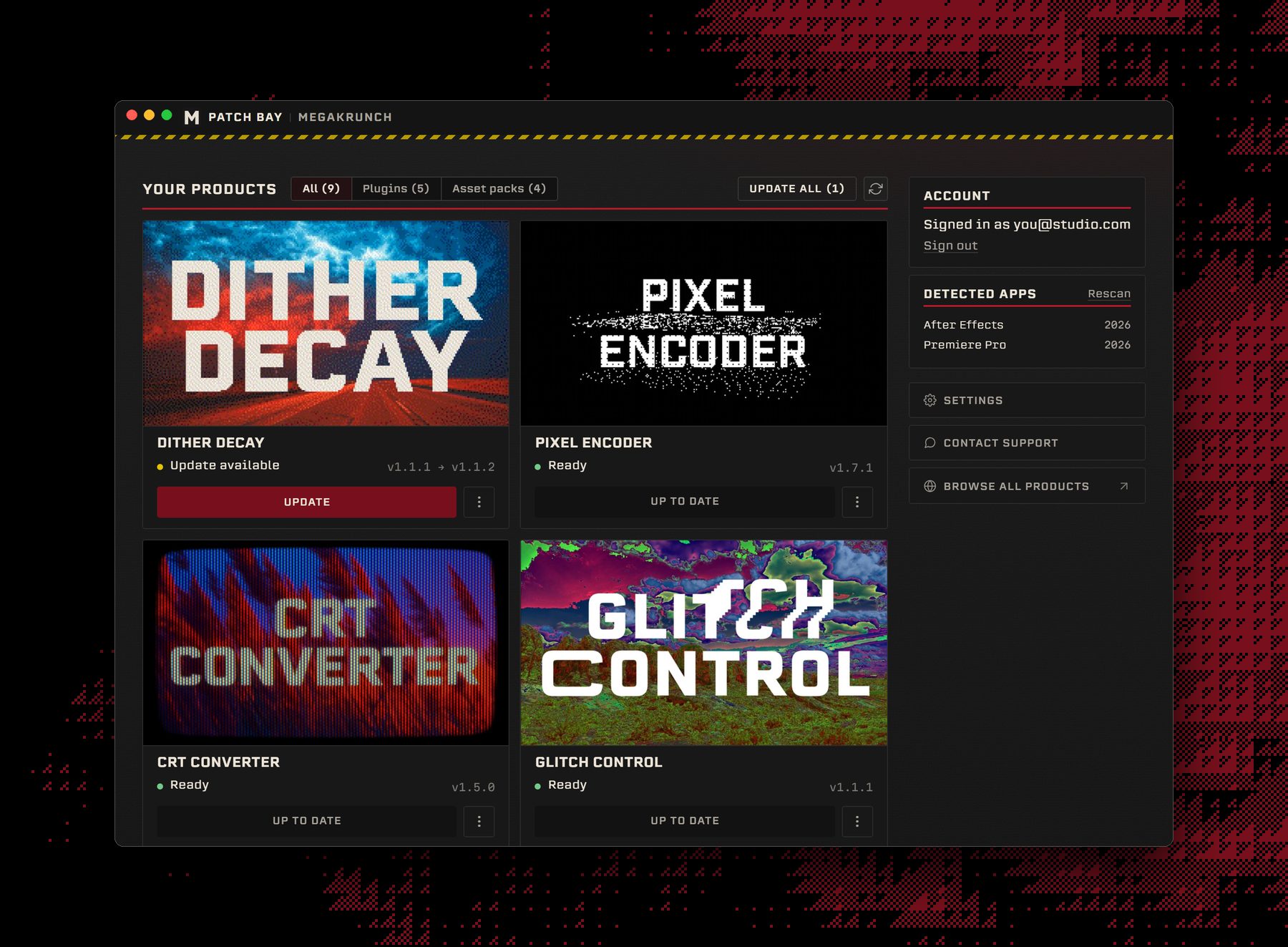
The PATCH BAY window: your plugins as cards with update and install buttons, your account, and the Adobe apps it found.

What does it do?

  • Install every plugin or asset pack you own, and hear when there's an update
  • Activate your licenses and move them between computers
  • Install any earlier version of a plugin, not just the latest
  • Repair a broken install, file a support ticket, and more
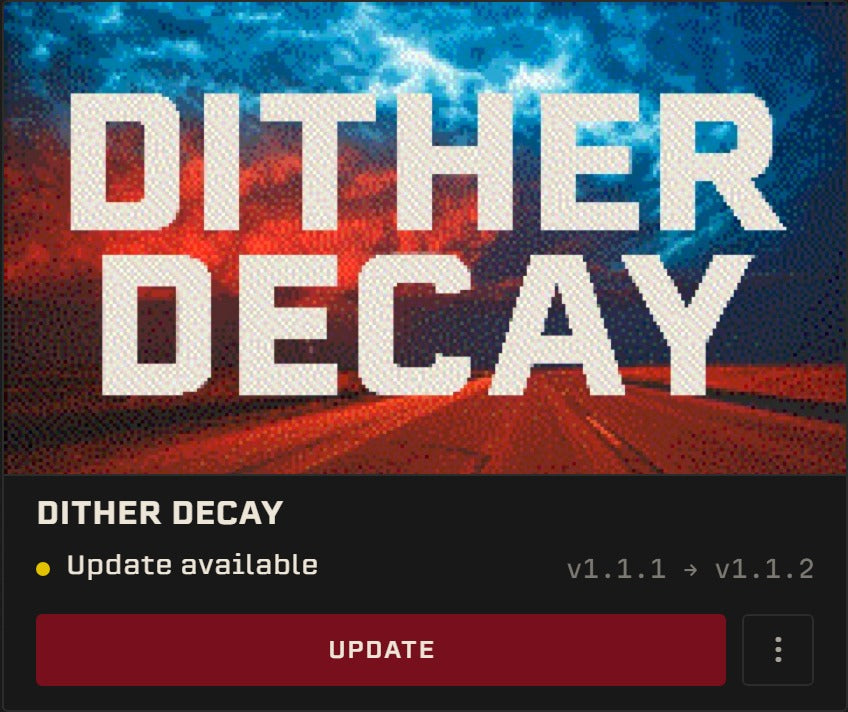
A PATCH BAY card for Dither Decay: Update available, v1.1.1 to v1.1.2, with an Update button.

Requirements

SOFTWARE: Adobe After Effects 2020+ or Adobe Premiere Pro 2020+
HARDWARE: Apple silicon or Intel Mac, or a 64-bit Windows PC
MEMORY: About 190 MB while it's open
STORAGE: 581 MB on Mac, 435 MB on Windows
OS: macOS 12+ or Windows 10+ (64-bit)

Questions

I already installed my plugins by hand. Will I get duplicates?

No. PATCH BAY spots the copies you put in yourself and offers to take them over, so After Effects and Premiere Pro only ever see one.

Why does it need admin rights?

Adobe keeps its shared plug-ins folder locked, and that's where plugins have to live. PATCH BAY asks for permission to write there, and only touches Adobe's plug-in and extension folders. On a Mac that's your password or Touch ID. Installing PATCH BAY itself needs no admin rights at all.

I can't sign in to my MEGAKRUNCH account.

Sign in with your MEGAKRUNCH account. Most older orders were checkouts without an account, so register with the same email you purchased with and confirm it from the link in your inbox. Your orders sync automatically. Anything else, get in touch from that email and I'll sort it out.

Will my computer warn me about it?

It shouldn't. Both builds are signed, and Apple has notarized the Mac build. If Windows SmartScreen does step in on a brand new release, check that the publisher reads Will Cecil before you carry on.

What happens if I uninstall?

Uninstalling a plugin in PATCH BAY frees up that computer for another one. Removing PATCH BAY itself changes nothing: your plugins stay installed and licensed.

Does it send anything back?

Crash reports, so I can fix what breaks. They're anonymous and never include your email. They're on by default, and you can switch them off in Settings.

Do I have to use it?

No. It's free and optional. The zips stay in your account, same as always.